Field Services & Smart Hands · Nationwide
Nationwide Smart Hands & IT Field Services.Send a Technician With a Scope That Can Be Closed.
Your engineer knows what needs doing. The hard part is getting hands into the building without flying someone out or signing a vendor in every market.
When remote support reaches its limit
Most failed visits were decided before arrival.
Site readiness
The site is not ready
Equipment has not landed, access was never approved, or nobody is onsite.
Ticket quality
The ticket is not dispatchable
“Check the network” is not a scope without a device, a test and an owner.

Closeout
The visit ends without evidence
Your engineer should not be chasing photos and serials afterwards.
What HTG can put hands on
What HTG field technicians can support onsite.
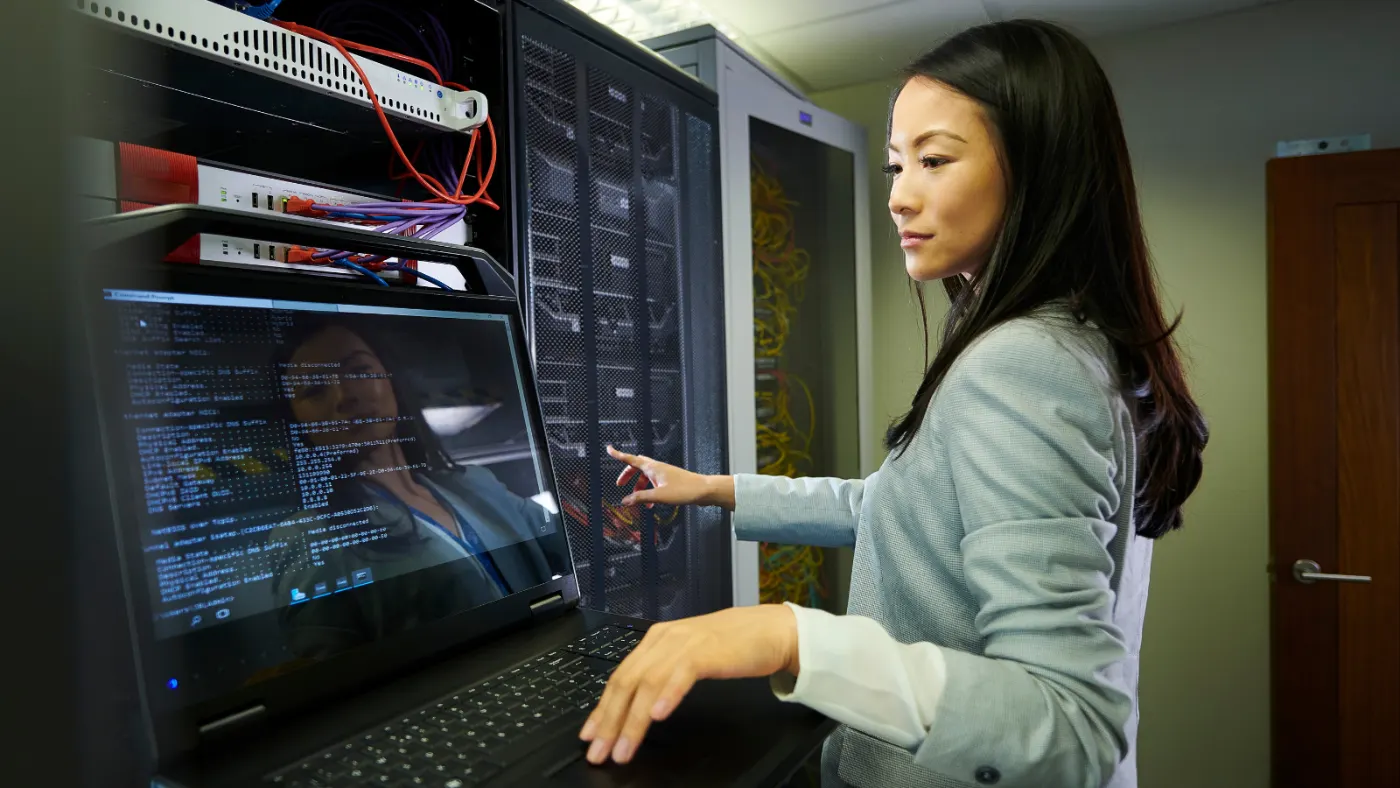
Smart hands is onsite technical work done by a technician while your help desk, NOC, carrier or engineer directs it. Some data centers use “remote hands” for simple requests, like a power cycle, a visual check or reseating a cable, and “smart hands” for work that takes more skill, such as swapping a switch or testing a circuit. Others treat the two as the same thing. We scope it by task: you tell us what needs doing, and HTG supplies the hands.
Network, circuits and edge
- Power, cabling, link-light, port and demarc checks, in offices and on colocation floors
- Routers, firewalls, switches, access points, SD-WAN and LTE/5G equipment
- Carrier-guided turn-up, failover testing, break/fix troubleshooting and restoration validation
Devices, POS and workplace
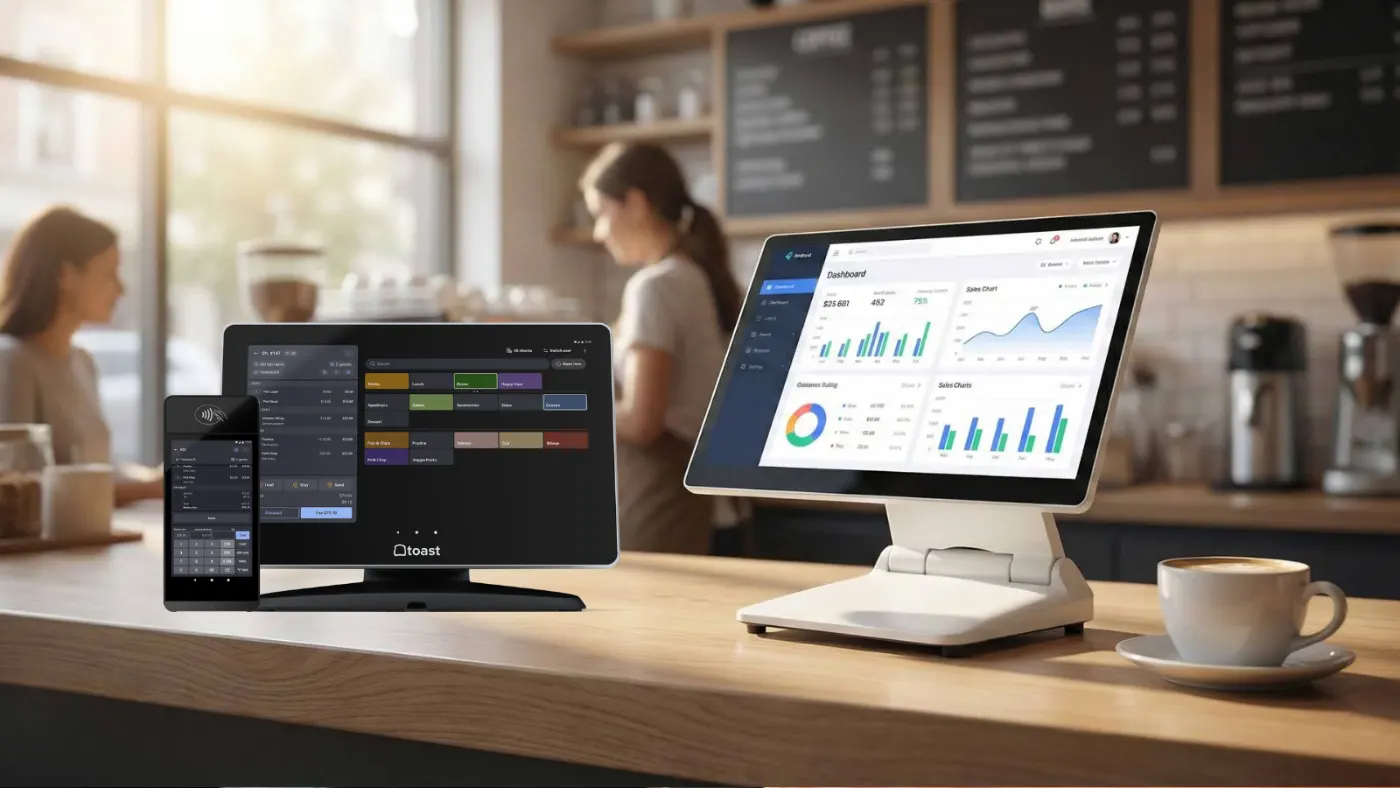
- Workstations, printers, POS peripherals, desk phones and conference equipment
- Equipment replacement, RMA support, spare-device coordination, patching, placement and labelling
- Guided setup, connection testing and acceptance checks, so store or office staff are not doing IT work
Site surveys, audits and closeout
- WAN and LAN site surveys, MDF and IDF, rack space, power, ports and cable paths
- Asset inventories, serial numbers, port details, measurements, labels and photos
- Before-and-after tests, exceptions and the recommended next step
Technical decisions stay with your remote owner. The technician performs the agreed task and flags anything outside it, unless HTG Integration & Engineering is in scope.
Choose the right dispatch model
One site visit, or a repeatable multi-site program.
A defined task at a known site
- One location, or a handful of targeted visits
- Task, access window, contacts and material status agreed up front
- A named remote owner, an agreed test and an agreed closeout
One field standard across many locations
- The same intake and readiness requirements at every site
- The same photos, tests, asset fields and closeout format back from each one
- Exceptions tracked as a pattern, not one ticket at a time
Technology Deployment takes rollout waves, Data Center Infrastructure technical-room work, Multi-Site IT Support the distributed model, Staff Augmentation dedicated capacity, Managed IT Services ongoing support.
How a dispatch moves
The work starts before the technician reaches the site.
Send the site facts
Address, task, access window, contacts, equipment status, tools and closeout expected.
Validate readiness
HTG checks material, access, safety, dependencies and the work window.
Coordinate the visit
Technician and remote owner talk directly while the window is open.
Close with evidence
Photos, serials, port details, test results and anything still open.
Where HTG is different
A visit should leave you with more than a closed ticket.
Nationwide field services
Coverage confirmed by site, scope and work window.
HTG coordinates Smart Hands across the United States wherever scope and availability support the request, with its strongest presence in Washington and Oregon. Coverage is confirmed per site.
HTG has done this work since 1996. The case studies show the larger programs; Multi-Site IT Support covers the operating model.

Smart Hands FAQ
Questions worth settling before a technician is dispatched.
What can an HTG Smart Hands technician do onsite?
Break/fix troubleshooting, equipment replacement, light installation, cabling and port checks, carrier turn-up, failover testing, site surveys, technical audits, acceptance checks and documented closeout.
What should a dispatch request include?
Address, access window, onsite contact, task, equipment status, remote technical contact, tools, validation steps, closeout requirements and escalation path.
Can the technician work with our help desk, NOC, carrier or engineer?
Yes, and most visits run that way. Name the remote owner and which decisions need their approval.
Does HTG cover sites outside Oregon and Washington?
Yes. Coverage runs nationwide wherever scope and availability support the request, with the strongest presence in Oregon and Washington, confirmed per site.
What affects cost and scheduling?
Geography, access, travel, complexity, tools, material readiness, testing and documentation, and whether the work is one-time or recurring.
When is this a deployment or data centre project instead?
Smart Hands is for task-based visits and validation. Technology Deployment takes over once sites move in staged waves; Data Center Infrastructure takes rack, cabling and migration work.
Start with the site
Send the site facts before dispatch.
Send the location, task, access window, contacts and equipment status. HTG will tell you what is missing.
Please do not send passwords, health information, payment-card data or network diagrams through an open web form.