Short answer: MDR response actions are the steps a managed detection and response team can take once it confirms a threat, such as isolating a laptop, stopping a malicious process or disabling an account. CrowdStrike puts the average eCrime breakout time at 29 minutes, so an action that waits on a phone call nobody answers may come too late at 2 a.m. The practical fix is a written list of pre-approved response actions, agreed before an incident, with clear exceptions for the systems you can’t afford to have touched without a conversation.
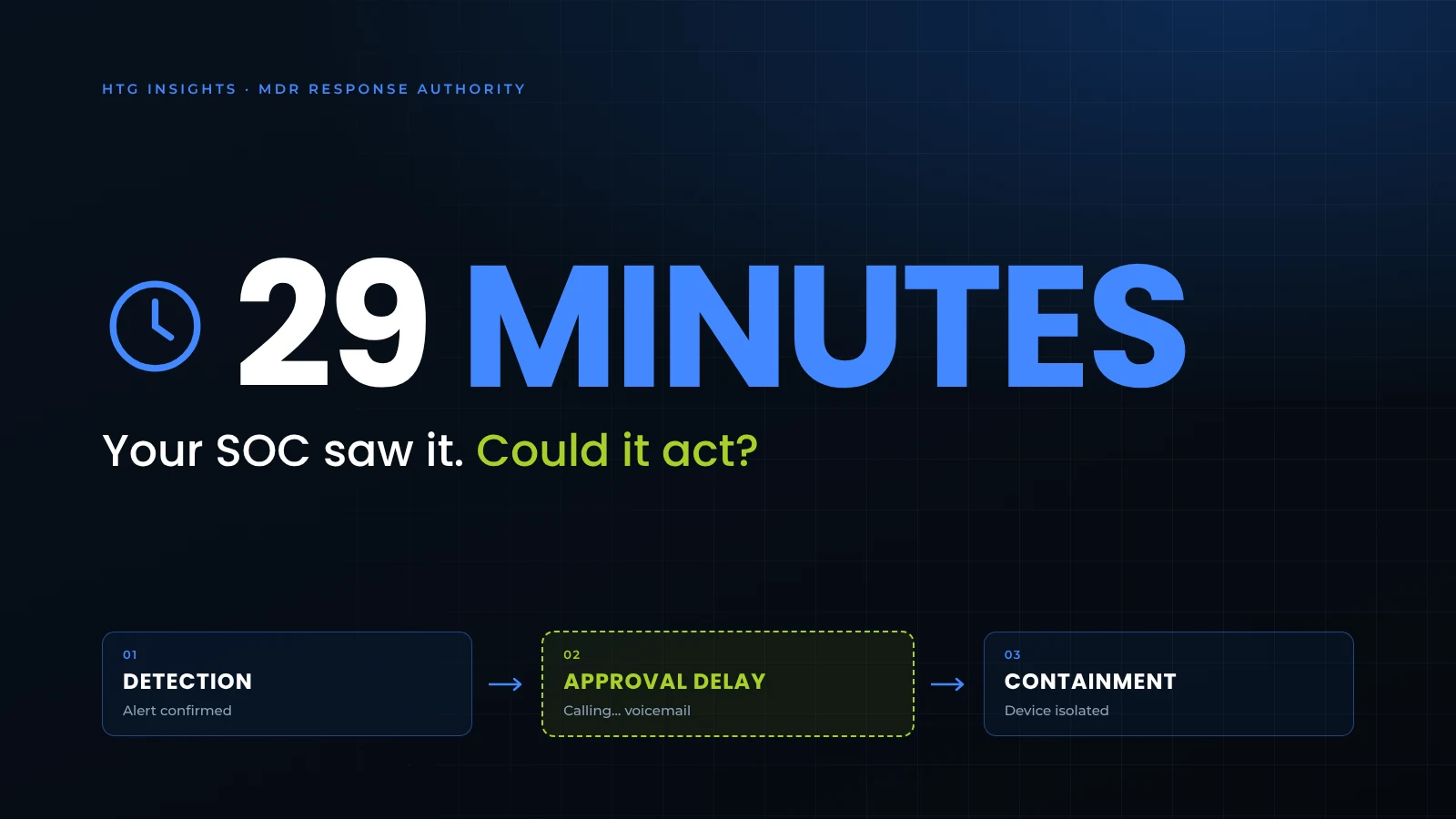
- 29 minutesAverage eCrime breakout time in 2025CrowdStrike 2026 Global Threat Report
- 27 secondsFastest breakout observedCrowdStrike 2026 Global Threat Report
- 3 response modesNotify · Approval · Pre-approvedExplained below
It’s 2:14 on a Saturday morning. An analyst watching your endpoint console sees a domain admin account open a remote PowerShell session on a file server it has never touched. A minute later, the same account pushes a driver to three workstations. That’s a pattern worth acting on fast, because it often shows up right before someone tries to switch off security tools and encrypt whatever they can reach.
The analyst knows what they’d like to do. Cut those machines off the network, disable the account, start pulling the thread. But the agreement says high-impact actions need customer approval, so they call your IT director. It goes to voicemail. They try the backup contact, who left the company in June.
The tooling flagged the behavior and a person looked at it.
Nothing in that story is a detection failure. In this scenario, the gap is permission.
Attackers are working on a 29-minute clock
CrowdStrike’s 2026 Global Threat Report put the average eCrime breakout time at 29 minutes in 2025, 65% faster than the year before. Breakout time is how long an intruder takes to get from the first machine they compromise to other systems on your network. The fastest breakout CrowdStrike observed took 27 seconds.
That doesn’t mean every attack is over in half an hour. Across multiple Qilin ransomware cases, Cisco Talos found the ransomware ran on average about six days after the initial compromise. There’s usually a window. The trouble is what happens at the end of it, once the attackers decide it’s time.
That’s often when they go after your EDR. ESET’s March 2026 research looked at almost 90 “EDR killer” tools used in real intrusions. The most common technique abuses a legitimate but vulnerable driver to shut security software down, though ESET also found script-based and driverless variants. In ESET’s words, ransomware affiliates “prefer a short, reliable window to run encryptors.” Talos separately analyzed an EDR killer used in Qilin attacks that can terminate more than 300 different EDR drivers from almost every vendor on the market.
Put those together and the timeline looks like this: days of quiet setup, then a fast final stretch where minutes decide how many machines you end up rebuilding. It also means an endpoint agent that suddenly stops reporting deserves attention, not a ticket for Monday.
Why weekends and holidays are when this breaks
Attackers know when you’re thin. Semperis surveyed organizations in ten countries for its 2025 Ransomware Holiday Risk Report and found 52% had been targeted on a holiday or weekend. 78% said they cut SOC staffing by half or more during those periods, and 6% cut it entirely. Semperis also found 60% of attacks came after a merger, acquisition, IPO or round of layoffs, when people and access are already shifting.
For a mid-sized healthcare group, credit union or construction company, “thin” usually looks more specific than that. The IT director is the escalation contact, and their phone is on Do Not Disturb at 2 a.m. like everyone else’s. The person listed as backup is on a flight, or changed roles last quarter and nobody updated the call tree.
So even when someone is watching your environment overnight, a decision that has to come back to you may not come back fast enough.
When detection works but MDR response actions stall
Most MDR conversations are about detection: which tools, how much telemetry, how many analysts. That matters, and it’s what we covered in why MDR with a 24×7 SOC is no longer optional. But even when detection works the way it should, MDR threat response can stall on a simpler question: who is allowed to act?
Most arrangements fall into one of three MDR response modes:
- Notify only. The provider tells you what it found and recommends next steps. Your team does the work.
- Act with approval. The provider can take containment actions, but only after someone on your side says yes.
- Act within pre-approved limits. The provider takes defined actions right away and tells you afterward.
None of these is wrong. The problem starts when an organization believes it has the third and is really running the second, because the pre-approved list was never written down, or was written so narrowly it covers almost nothing. It’s also easy to assume “managed response” means someone will stop the attack for you, without ever checking which response actions the MDR agreement allows.
If your agreement says the SOC “may take containment actions with customer authorization,” ask what that means at 2:14 a.m. on a Saturday. That’s when it matters.
Which MDR response actions should be pre-approved?
Pre-approve the containment actions that are narrow in scope and generally reversible, such as isolating a workstation or stopping a malicious process, and keep anything that could stop operations for a human decision. Beyond that, there’s no single right list. A laptop at a branch office and the server running your EHR are not the same decision.
We suggest a simple way to sort it that we call the MDR Response Authority Matrix: every containment action goes into one of three tiers, decided ahead of time instead of during an incident. The idea isn’t new. Giving it a name just makes it easier to put on a meeting agenda and keep current.
| Response action | Suggested tier | What it does |
|---|---|---|
| Isolate a workstation or laptop | Tier 1: act, then notify | Cuts the device off from the network while, on most EDR platforms, keeping its connection to the security console so analysts can keep investigating. A full-tunnel VPN can interfere with that, so it’s worth checking. |
| Stop a malicious process and quarantine the file | Tier 1: act, then notify | Ends the running threat and moves the file somewhere it can’t execute |
| Block a known-bad file, domain or IP address | Tier 1: act, then notify | Keeps the same file or destination from being used elsewhere, wherever the platform enforces the block |
| Disable a user account and revoke sessions | Tier 1 for standard users; Tier 2 for executives and service accounts | Stops new sign-ins and, where the identity platform supports it, revokes refresh tokens so no new access can be issued. Access tokens and app sessions already issued can stay valid until they expire. |
| Reset the password and require MFA re-registration | Tier 2: act if no answer within the agreed window | Stops the stolen password from working for new sign-ins and clears the MFA methods the platform resets. Check for and remove any method the attacker registered. On its own it may not end sessions that are already open, so it’s usually paired with session revocation. |
| Roll back changes on an endpoint | Tier 2: act if no answer within the agreed window | Restores files and settings an attack changed, on platforms and operating systems that support rollback |
| Isolate a server | Tier 2 or Tier 3, depending on the server | Can stop the spread, but may take a business system offline |
| Shut off VPN or remote access for everyone | Tier 3: always call first | Contains a broad intrusion but stops remote work |
Your tiers will depend on your systems, your industry and how quickly your team can realistically answer the phone.
Tier 1 actions are narrow in scope, either one device, one identity or one known-bad indicator, and they’re generally reversible. On most platforms an analyst can reconnect an isolated laptop quickly once the investigation clears it. Tier 2 actions carry real business cost, so they get a short wait: if nobody on the call tree answers within the agreed time, say 15 minutes, the analyst goes ahead. Tier 3 actions could stop operations, and they always need a human decision on your side.
The wait time is yours to set. What matters is that it’s written down, signed off and known by the people on both ends of the phone.
Write down the exceptions before you need them
The tiers get you most of the way. The exceptions are where it usually falls apart, so give them their own page.
Healthcare
In healthcare, that’s anything clinical. EHR servers, imaging workstations and the shared computers on a nursing unit, where isolating the wrong machine mid-shift is a patient-care question before it’s an IT one.
Credit unions
For credit unions, it’s core banking connections, teller workstations during branch hours and anything tied to card processing.
Construction
Construction firms often have the opposite problem. Lots of laptops on job sites, frequently running on cellular or a trailer connection, used by people who need them at 6 a.m. Isolating one is easy. Getting a working replacement to a site two hours away is the real recovery work, and it’s worth planning for in the same document.
Name the systems. Name who can approve touching them. And list a second approver who isn’t going to be asleep at the same time as the first.
Where AI fits, and why it still needs your rules
Security platforms are moving toward AI that investigates and responds on its own. In August 2026, SentinelOne announced what it calls governed, closed-loop response: security teams decide “exactly where Purple AI is permitted to execute autonomously, and where it pauses for a human,” and every AI-driven action is traceable, auditable and can be overridden by the team that authorized it.
That’s a sensible model. Look at what it depends on, though. The AI can reach a verdict faster than a person, but the boundaries still come from you. If nobody has decided what’s allowed at 2 a.m., autonomous response doesn’t have much to work with, because there are no limits for it to act inside.
So the response authority conversation doesn’t go away as AI gets better. It becomes a bigger part of the setup.
The platform isn’t the question. Authority is.
SentinelOne is one of the security platforms HTG manages, alongside others such as Microsoft Defender, and it’s one a lot of security teams already know. It can isolate endpoints, stop and quarantine malicious processes and, on Windows, roll back changes an attack has made. But the logo on the console doesn’t settle anything here. Two organizations can run the same platform and get very different outcomes at 2 a.m., because one has decided which response actions its MDR team may take and the other hasn’t.
If you already have SentinelOne or another EDR product, the useful question isn’t whether to switch. It’s whether the operating model around it is set up and authorized the way you think it is: which actions are pre-approved, who gets the call, and what happens when nobody picks up.
That’s how we approach it in HTG’s managed detection and response service. The platform, telemetry, licensing and coverage hours depend on each client’s environment and agreement. We work out response authority with you during onboarding: some actions happen immediately, and others wait for your approval. Anything outside the pre-approved list goes to a person on your side for a decision. A timed fallback like the Tier 2 window above only applies if it’s written into your agreement as standing authority.
When your team changes, the list should change with it. It’s a lot easier to update on a Tuesday afternoon than to find out on a Saturday night that it’s stale. If you have an internal IT team, our co-managed IT model lets them keep the responsibilities they want to own.
Five questions to ask your MDR provider this week
If you already have an MDR provider, HTG or anyone else, these questions about MDR response actions are worth asking before the next long weekend.
- Which response actions can your analysts take without calling us first? Get the list in writing, not a description of it.
- What happens if nobody on our escalation list answers? Is there a time limit, and what do you do when it runs out?
- When did we last confirm our escalation contacts? Are the people on that list still here, and still in the same roles?
- Which of our systems are excluded from isolation? Does that exclusion list match what we’d say today?
- If your platform uses AI-driven response, what boundaries is it running under in our environment, and who set them?
If the answers come back vague, that tells you something. It’s also worth checking how your provider’s response terms line up with what your insurer expects. Our cyber insurance readiness checklist covers the EDR and monitoring controls insurers commonly look for at renewal.
Not sure what your MDR is actually allowed to do?
An HTG coverage review maps what you already have connected, documents gaps in monitoring and response authority, and gives you a written summary of your current coverage. Most reviews take less than an hour, and there’s no obligation to change platforms.
Frequently asked questions about MDR response actions
What is eCrime breakout time?
Breakout time is how long an attacker takes to move from the first system they compromise to other systems on the network. CrowdStrike’s 2026 Global Threat Report measured an average of 29 minutes for eCrime intrusions in 2025, with the fastest observed at 27 seconds.
Can an MDR provider isolate a device without asking first?
Only if your agreement pre-approves it. Endpoint isolation is fast on many EDR platforms, but whether the analyst is allowed to use it depends on the response authority you’ve signed off on. If isolation isn’t pre-approved, the analyst has to reach someone on your side first.
Which MDR containment actions should be pre-approved?
Start with actions that are generally reversible and narrow in scope: isolating a workstation, stopping a malicious process, quarantining a file, blocking a known-bad file or domain, and disabling a standard user account. Keep server isolation and organization-wide changes, like shutting off remote access, for a human decision.
Does isolating a laptop break anything?
The user loses most network access until someone releases the device from isolation. On most EDR platforms the laptop stays connected to the security console, so analysts can keep investigating and reconnect it once it’s clean. For a single workstation, that’s usually a small cost compared with letting an attacker keep it.
What happens if nobody answers the escalation call?
That depends on your agreement. Without a timed fallback, the analyst usually keeps working down the call list and documenting the attempts while the attack continues. A written rule such as “if no one answers within 15 minutes, proceed with Tier 2 actions” closes that gap.
What’s the difference between MDR and incident response?
MDR monitors, investigates and takes agreed containment steps. Full incident response can also include forensic investigation, legal and regulatory notification, communications and recovery. NIST SP 800-61 Rev. 3 treats incident response as part of an organization’s broader cybersecurity risk management, which is a useful frame for deciding who owns each piece. For the wider picture, see our cybersecurity services.